Introduction
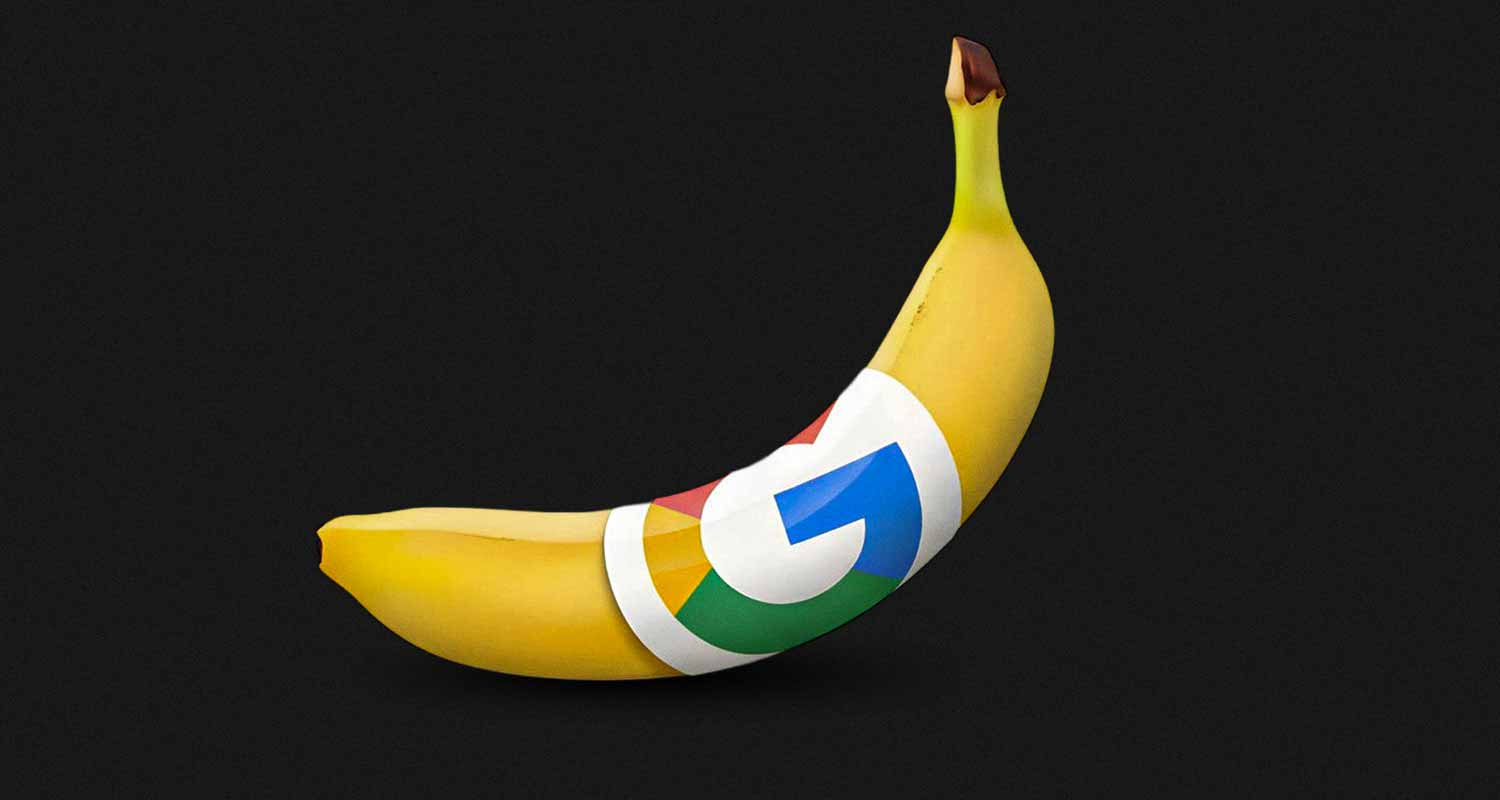
Google DeepMind recently released Nano Banana Pro 2, its latest image generation model built on Gemini 3 Pro. For presentations, this release marks a real inflection point.
For the first time, an image model can reliably generate full presentation slides that:
- Maintain a clean 16:9 aspect ratio
- Render text accurately without spelling errors
- Align labels, icons, and visual elements correctly
- Scale up to 4K resolution for large screens
In short, Nano Banana Pro 2 can now generate slides that actually look like slides.
This is a major shift from earlier image models, which struggled with text rendering, layout discipline, and presentation-specific constraints. Nano Banana Pro 2 gets you very close to a usable slide in a single generation.
But it still stops at about 80 percent.
Once the first draft exists, real presentation work begins. Text needs refinement. Visual emphasis changes. Slides must stay consistent with the rest of the deck. Feedback arrives, and iteration becomes unavoidable.
When Nano Banana Pro is used on its own, this is where teams get stuck.
This article explains what Nano Banana Pro does exceptionally well, why standalone image generation breaks down for real presentations, and why using Nano Banana Pro through the right AI presentation maker is the best way to turn powerful first drafts into polished, editable slides.
What Is Nano Banana Pro 2?
Nano Banana Pro 2 is Google DeepMind’s latest AI image generation model, sometimes referred to as Gemini 3 Pro Image.
It stands out from earlier image models in a few critical ways that matter specifically for presentations.
First, it renders text accurately. Labels, headings, and annotations appear as intended instead of breaking into unreadable fragments.
Second, it handles structured visuals well. Infographics, diagrams, and charts maintain alignment between labels and visual elements.
Third, it supports high resolution output up to 4K, making generated slides usable on large displays without looking soft or pixelated.
Because of these capabilities, Nano Banana Pro is especially well suited for visual slides where the entire slide is treated as a single composed image.
Why Nano Banana Pro Slides Are a Breakthrough
Earlier image models could generate attractive visuals, but they failed at slides.
Aspect ratios drifted. Text overflowed. Visual hierarchy collapsed. Outputs felt like posters rather than presentation assets.
Nano Banana Pro fixes these problems.
It consistently respects the 16:9 slide canvas and produces layouts that resemble real presentation slides rather than generic images. This makes it possible to generate:
- Full-slide infographics
- Complex visual metaphors
- Diagram-heavy slides that would be difficult to design manually
For visual-first slides, Nano Banana Pro is now genuinely useful.
The Core Limitation of Using Nano Banana Pro Directly
When Nano Banana Pro is used directly through Gemini, the output is a flat image.
This creates a hard limitation.
If there is a typo, the entire slide must be regenerated. If emphasis needs to shift, regeneration is required. If a single icon feels wrong, there is no way to adjust it in isolation.
This is the 80 percent problem.
Nano Banana Pro gets you most of the way to a great slide very quickly, but it offers no practical way to finish the last 20 percent that makes a slide presentation-ready.
As a result, teams either accept slides that are close but not quite right, or they keep regenerating and lose consistency across the deck.
This is not a failure of the model. It is a limitation of using image generation without a presentation system.
Why Image Slides Alone Are Not the Future
Nano Banana Pro makes it tempting to imagine a future where all slides are image-based.
In practice, this does not match how real presentations are built.
Some slides benefit enormously from being visual-first. Others require precise text control, structured layouts, and frequent edits.
Image-based slides are best suited for:
- Complex diagrams and infographics
- High-level framing and narrative moments
- Visualizing abstract ideas quickly
Regular editable slides are better for:
- Detailed explanations
- Comparisons and tables
- Content that changes often
- Slides that require exact wording
Strong presentations use both.
The future is not image slides versus regular slides. It is the ability to mix them seamlessly inside the same deck.
Why the Right AI Presentation Maker Matters
Nano Banana Pro 2 is powerful on its own, but using it in isolation is where most people get stuck.
Generating a slide is only the first step. Real presentations require refinement. Headlines change after feedback. Visual emphasis shifts as the story evolves. New slides are added days later and still need to feel like they belong in the same deck.
This is why the interface around Nano Banana Pro 2 matters as much as the model itself.
A good AI presentation maker solves three practical problems end users run into immediately:
- Consistency across the deck
Image slides generated at different times should still look like they belong together. Colors, typography, and visual tone need to stay aligned without manual fixing. - Refinement without starting over
Small changes should not require regenerating entire slides or re-describing everything in a prompt. Iteration needs to feel incremental, not destructive. - The ability to mix slide types naturally
Some ideas need visual-first slides. Others need precise text and easy edits. A presentation system should support both without forcing you to choose one approach upfront.
Without these, even great Nano Banana Pro 2 slides remain impressive but fragile. They look good in isolation, but they are hard to turn into a deck you can confidently present.
Why Using Nano Banana Pro Through the Right Interface Matters
Nano Banana Pro is now good enough that the bottleneck has shifted.
The challenge is no longer whether you can generate a strong first slide. The challenge is whether you can turn those generations into a coherent, editable deck.
A strong AI presentation maker needs to solve five very specific problems.
1) Generate both slide types for every idea
The most practical workflow is not choosing image slides or regular slides upfront.
It is seeing both.
When you generate in Alai, you get four options per slide, which can include:
- Regular responsive slides for content that needs precise wording and easy edits
- Nano Banana Pro image slides for moments that benefit from complex visuals, diagrams, or infographic-style composition
This lets users choose the right slide type based on intent, not novelty.
2) Make iterating on flat image slides possible
Nano Banana Pro slides are still flat images.
What matters is whether you can iterate on them in a controlled way.
Without a system, changing text, icons, or emphasis usually means re-describing the entire slide and hoping the next image is closer.
Alai enables iteration through annotations and targeted instructions, so you can point to specific areas and request focused changes without starting over.
3) Remove prompt engineering from iteration
Controlled image edits are hard because prompts must specify what should change and what should stay the same.
That often turns into long, brittle prompts that are difficult to write and impossible to standardize across a team.
Alai provides a library of presentation-specific preset prompts such as Diagram, Infographic, and Polish. These presets encode what typically works for common slide outcomes, so users can iterate by selecting a direction instead of rewriting prompts.
4) Keep theme and style consistent automatically
Image slides tend to drift over time.
When visuals are generated at different moments, colors, typography, and overall tone can slowly diverge.
With theme context enabled, Alai uses the current deck as context so new Nano Banana Pro generations stay aligned with existing slides. This keeps the presentation cohesive even as it evolves.
5) Mix image slides and regular slides in one deck
Not every slide should be image-based.
Some slides need visual density. Others need precise text and easy edits.
Alai allows Nano Banana Pro image slides and regular responsive slides to coexist in the same deck, following the same design logic. This makes it possible to use each slide type where it adds the most value without breaking flow.
Together, these five capabilities turn Nano Banana Pro from a powerful generator into something teams can actually use to build real presentations.
You still get the power of a state-of-the-art image model, but you also get the practical scaffolding needed to iterate, keep consistency, and mix image slides with regular slides without breaking the story.
How to Generate Nano Banana Pro Slides in Alai
A simple workflow looks like this.
- Import your content into a deck. This can be raw notes, text, links, screenshots, or files.
- Generate slides normally. For each slide, Alai can produce multiple design directions.
- Use a Nano Banana Pro option when a slide benefits from visual density, diagrams, or infographic-style composition.
- Enable theme context so that new visual generations stay consistent with the rest of the deck.
- Iterate using presets and annotations. Choose a preset such as infographic, diagram, or polish, then use targeted annotations to request changes in specific areas.
- Keep regular responsive slides for the parts of the deck that require precise wording and easy editing.
The goal is not to make every slide image-based. The goal is to use Nano Banana Pro where it creates leverage, while keeping the deck easy to refine overall.
When to Use Alai vs Using Gemini Directly
Use an AI presentation maker when you are building a deck that needs iteration, consistency, and multiple slide types.
Use Gemini directly when you only need a one-off visual asset and you are comfortable treating the result as final.
The difference is not the capability of Nano Banana Pro.
The difference is whether you have a system that helps you turn first drafts into a coherent presentation.
Final Thoughts
Nano Banana Pro is now strong enough to generate genuinely good presentation slides as images.
What it does not provide on its own is a way to refine, iterate, and mix those slides inside a real deck.
The best results come from combining Nano Banana Pro’s visual strength with an AI presentation maker that gives you choices per slide, supports iteration through presets and annotations, and keeps everything consistent as the presentation evolves.
That combination is what turns impressive first drafts into slides people can actually present.
Frequently Asked Questions
What is Nano Banana Pro?
Nano Banana Pro is Google DeepMind’s latest image generation model, built on Gemini 3 Pro. It is particularly strong at rendering text accurately, aligning labels and visuals, and generating high‑resolution images that work well for presentation slides.
Why are Nano Banana Pro slides hard to edit on their own?
When used directly through tools like Gemini, Nano Banana Pro outputs flat images. Once a slide is generated, there is no reliable way to change text, icons, or layout without regenerating the entire image.
Does Alai turn Nano Banana Pro slides into fully editable layers?
No. Nano Banana Pro slides remain image‑based. Alai does not magically convert them into vector or layered designs. Instead, it provides tools to iterate on those images through presets, annotations, and targeted instructions.
How does Alai make iterating on Nano Banana Pro slides easier?
Alai gives you presentations‑specific prompt presets such as Diagram, Infographic, and Polish. These presets combine your slide content, deck theme, and optimized Nano Banana Pro prompting so you can make controlled changes without rewriting long prompts.
Why is getting both regular slides and Nano Banana Pro slides important?
Not every slide benefits from being image‑based. Some slides need precise wording and frequent edits. Alai generates both regular responsive slide options and Nano Banana Pro image options for each idea, so you can choose what works best without committing upfront.
When should I use Nano Banana Pro slides instead of regular slides?
Nano Banana Pro slides work best for diagrams, infographics, complex visuals, and framing ideas at a glance. Regular slides are better for detailed explanations, comparisons, and content that changes often.
Can Nano Banana Pro slides and regular slides live in the same deck?
Yes. In Alai, image‑based Nano Banana Pro slides and regular responsive slides coexist in the same deck and follow the same theme context, so the presentation stays visually consistent.
Do I need to know prompt engineering to use Nano Banana Pro in Alai?
No. Alai’s preset library handles the hard parts of prompting. You choose the direction you want, and the system applies optimized prompts behind the scenes.
Is Nano Banana Pro useful without an AI presentation maker?
Yes, for one‑off visuals or standalone images. But for building and iterating on full presentations, it quickly becomes limiting without a system designed for decks.